Posts

Showing posts with the label Forensic

Forensic - Zbot Trojan Horse Analysis
Image
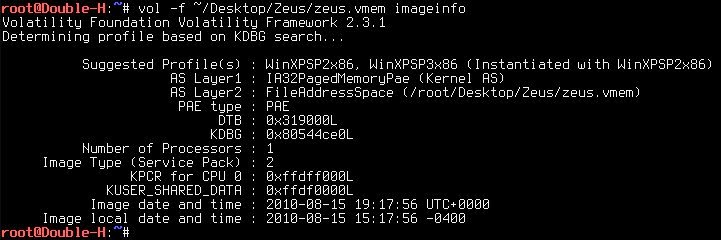
Zeus or Zbot Trojan Horse is a computer malware running on the computer under the Microsoft Windows operating system version, this is done attacker to perform malicious tasks such as stealing banking information etc.. you can continue it  here Volatility testing this time I have received a file that has been in infections by Zeus Trojan named " zeus.vmem " 1.) The first stage uses the command " imageinfo " Identify information for the image. root@Double-H : ~ # vol -f ~/Desktop/Zeus/zeus.vmem imageinfo -f = filename imageinfo = Identify information for the image next, we can use the command " pslist " to display a list of the overall process on the file " zeus.vmem " command: root@Double-H : ~ # vol -f ~/Desktop/Zeus/zeus.vmem pslist seen in the picture above we have not found something strange, then we can try to call the command " connscan " to see if the file make a connection command: root@D...

Forensic - File Recovery (Fire With Metasploit)

Image
Hy guy's.. missing me...? yeah, I think most of you guys looking forward to my post =)) as I promised earlier this year I will be a lot to discuss about forensic. so, go see my writing this time. Equipment: 1. Metasploit Note : make sure you get to this stage meterpreter session The next stage of selecting module " enum_drives ". This module will list the physical drives and logical volumes msf > use post/windows/gather/forensics/enum_drives msf post( enum_drives ) > show options msf post( enum_drives ) > set SESSION 1 msf post( enum_drives ) > run there are multiple logical volumes that look, then I choose the drives " E " for the test module by selecting " recovery_files ". This module list and try to recover deleted files from NTFS file systems msf post( enum_drives ) > use post/windows/gather/forensics/recovery_files msf post( recovery_files ) > show options msf post( recovery_files ) > set SESSION ...

Forensic - Data Hiding

Image
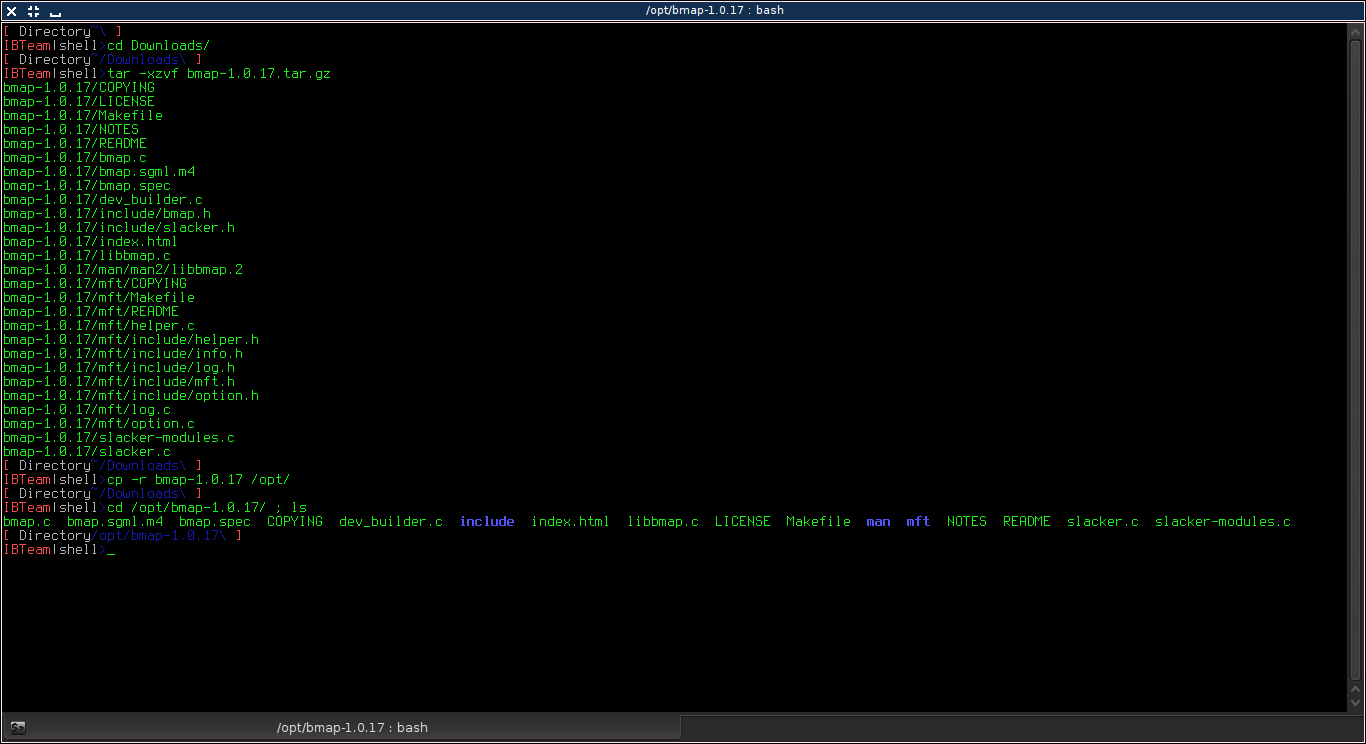
This year I will most likely be many issues to discuss his forensic know many people who have not been involved in the forensic world , there are many who think that the forensic difficult , I suggest to you to keep a lot of reading and learning so that what you think is hard to be easy . as a prefix, I will discuss how to conceal messages into a file that contains the slack space Description : slack space is a space is not in use. This block is sized container that is in use by the file system to store data. Because it Occurs naturally the data rarely fill fixed storage locations exactly. in forensic slack space in check as they may contain important data. Download Bmap tools here Configuration: extract this file : tar -xzvf bmap-1.0.17.tar.gz cp -r bmap-1.0.17 /opt/ cd /opt/bmap-1.0.17 ; ls then, compile this script using command : # make after compiling a directory bmap refer back to appear as shown below : How To : I created a file with ...

Analyzing PDF Contains a Trojan

Image
Introduction : On this occasion I will write some stages of how to analyze a document file extension *.PDF to Determine Whether they were malicious or not. This happened some time ago when I tried to download a study guide book and then the file is detected by anti-virus that I use. this creates great suspicion and then I try to analyze the file, and my guess is true in the document there is a java script which turns a script payload is wrapped into the document. This was some of the steps that I did to analyze. I would do a comparison between a clean PDF document with a document containing a trojan. Equipment : 1. pdfid 2. pdf-parser 3. pdftk.  'apt-get install pdftk' 4. strings in the first stage I will analyze the document " analysis.pdf " that is not interrupted by trojan. OK, now let's go it! test a pdf file # pdfid analysis.pdf the output looks, we just need to pay attention to the line JS / Java Script and turns of the output you ...